
Fleet coordination for coding agents

Run a tight ship. Agents sail safer when they coordinate.

Port Daddy is

a harness, white papers, an agent event-triggering lab, agent skills, an MCP server, a Rust app, a CLI, an orchestrator, an SDK.

Runs on+ more
One tool, a widening scope

A harbor-master for your agents.

It starts the moment two agents reach for the same file in one repo, and it grows from there — to the whole machine, across the network to fleets you don’t own, and toward a market for agent labor. The small idea and the big idea are the same idea, at four scales.

  1. L0

    Your machine

    for the daemon

    A local daemon decides what is true — one writer, one durable file, no consensus.

    Shipped
  2. L1

    Your swarm

    for the agents

    Agents claim before they touch, so the second one to reach a file waits instead of clobbering it.

    Shipped
  3. L2

    Your cockpit

    for the operator

    The whole swarm as one picture you zoom into — down to the real diff, never a wall of them.

    In progress · 2026
  4. L3

    The market

    for operators who never met

    Rent a trustworthy agent across machines, settled on one ledger that cannot lose your money.

    Specified · 2027
Four layers, one widening scope. The daemon and the swarm coordination run today. The operator’s cockpit is the work of 2026. The cross-machine market is specified in the papers and targeted for 2027 — dated, not promised.

Your AI subscription already pays for the fleet.

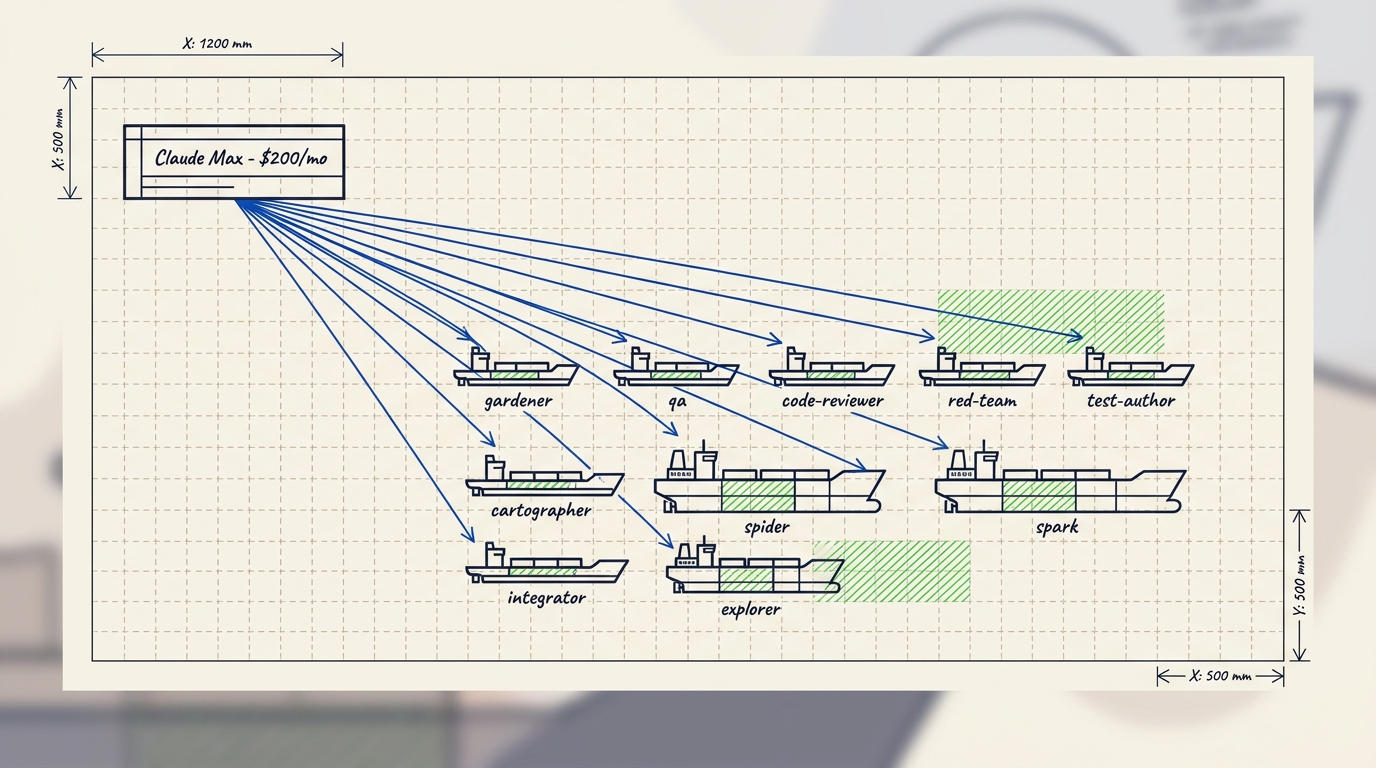
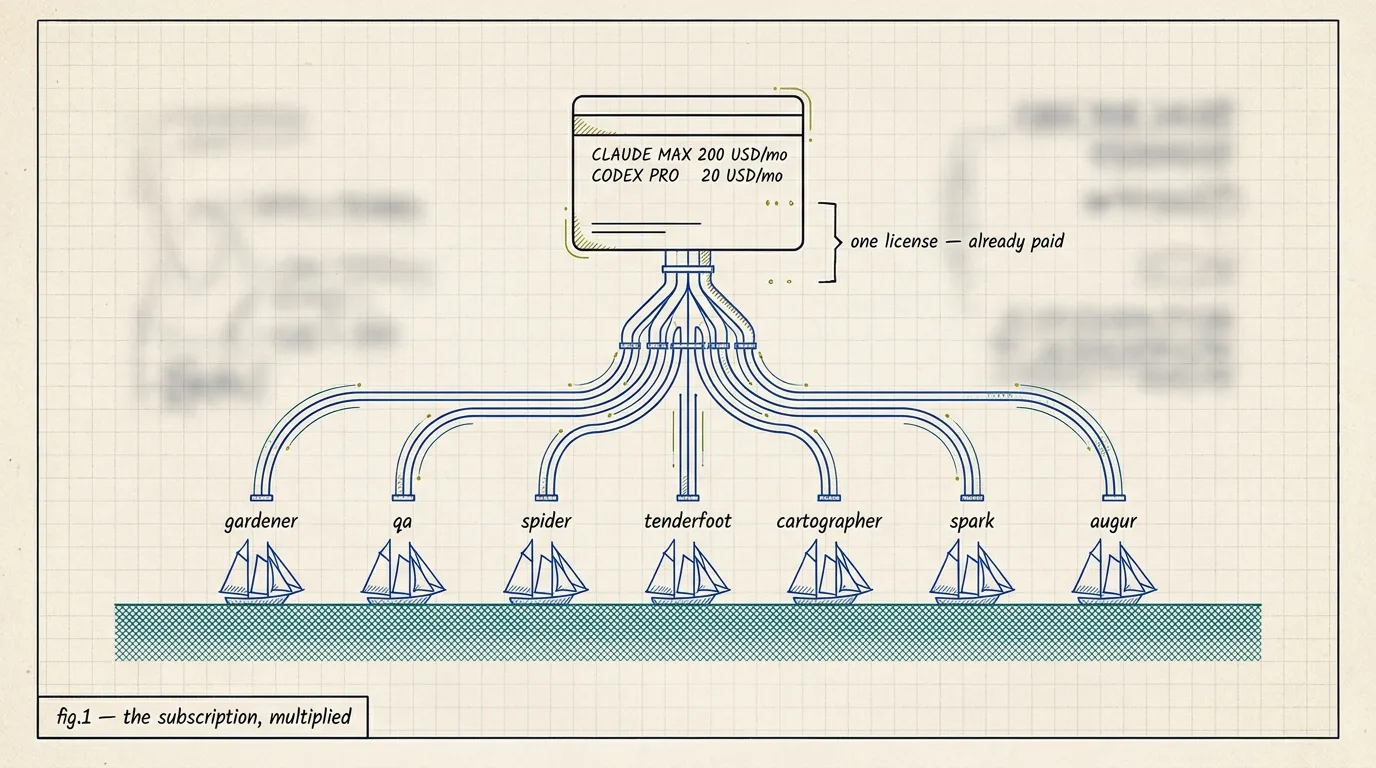
Bring your Claude Max or ChatGPT Pro login. Every agent in the fleet runs on that one seat — no metered API bill. Same login, same model. More hours of work per day. Switching a backend on is one environment variable.

Marginal cost

$0.00

per spawn, on the seat you already pay for

Setup time

2 min

brew install, one env var, fleet up

Backends

claude-cli · codex

first-class; Cloudflare and direct API are fallbacks

Blueprint illustration of a single AI subscription card distributing pipelines to a fleet of small sailing ships, each labeled with a Port Daddy fleet agent name.
See it run for real

Under the app is a real local API your agents can drive.

The app is where you watch and steer. Underneath it is a set of commands your agents can script themselves: claim a port, hold a lock, leave a note, hand off a job, recover work from a crash. Every replay below is a genuine asciicast capture of the released pd CLI against a live daemon — real text, full scrollback, select any line and copy it.

pd — 120×34 · asciicast v3 select any line — it's real text
── NORA · migration author ─────────────────────────────────┬── MILO · checkout worker ─────────────────────────────────
NORA◆
⚓ PORT D0:left.sh* real linked worktrees · unfiltered PTY
0.6s / 42.3s
sourcereleased pd CLI, live daemoncaptured2026-08-28events896 · 42.3s realfidelityunfiltered PTY bytes
copied
Your control panel

Claims, notes, and a commit guard you can see, not chat history you have to scroll back through.

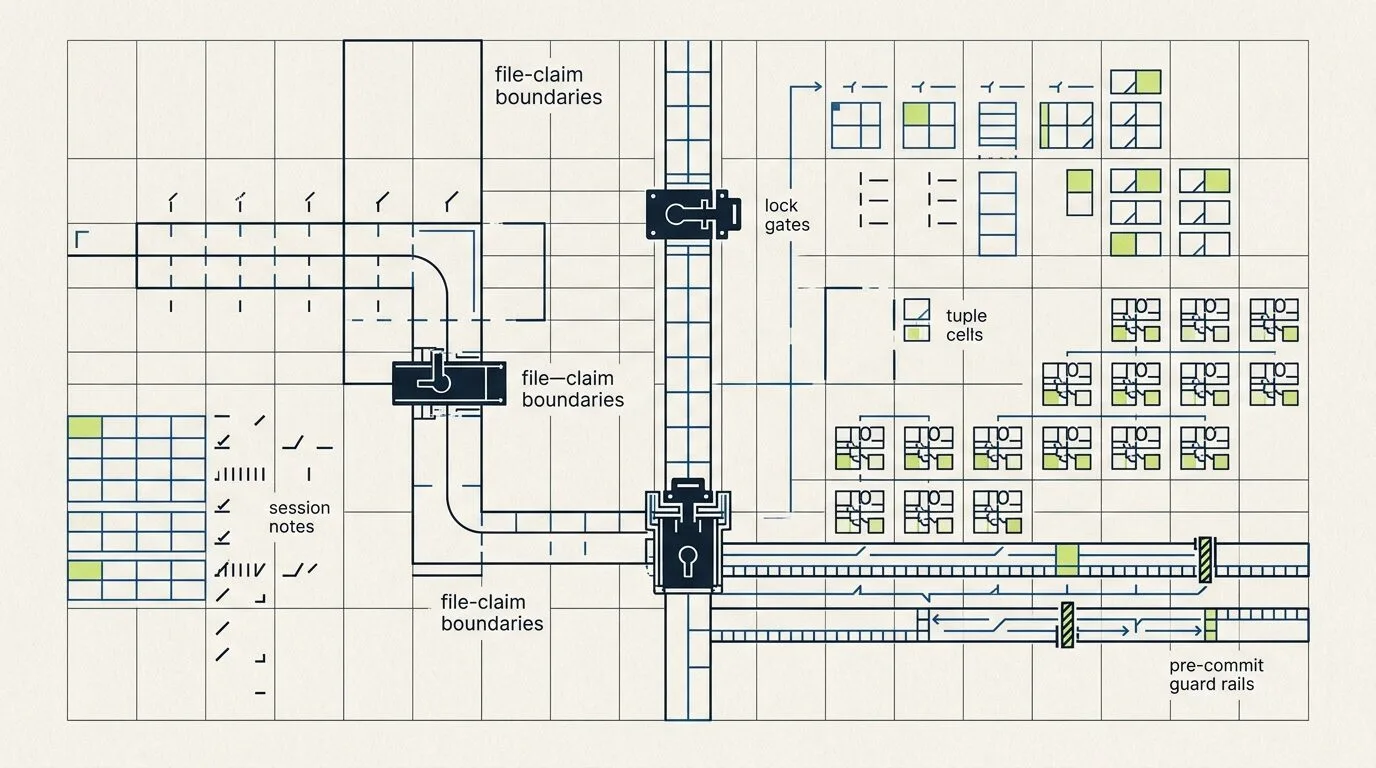
Agents claim the files they are about to edit and leave notes the next agent can read. The guard checks staged files against the active session and blocks the commit when something is not claimed. FleetBar and the Fleet Control Center show all of it before you let more automation loose.

Claims

See who is editing what before anyone starts writing

Notes

Each agent writes down what it proved before it stops

Commit guard

Fails closed on staged files with no active claim

Abstract coordination guard diagram showing claims, locks, notes, and guard rails
pd tube

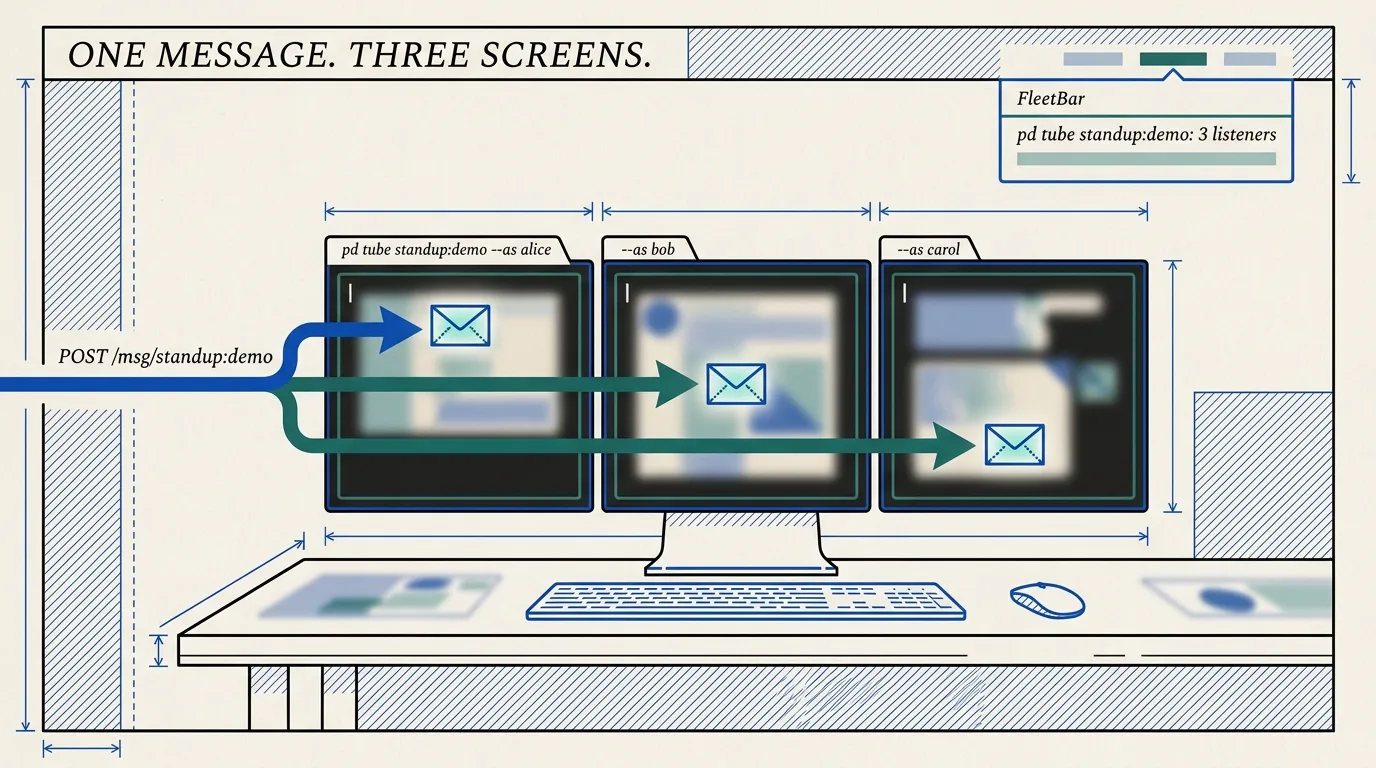
One command turns any button, hook, or webhook into a message your agent answers.

There is no SDK and no server to run. The sender uses plain fetch(). The agent runs pd tube, waits, replies, and keeps listening — all in one shell call, over the same channels Port Daddy already ships. Point several agents at one channel and every listener gets every message.

Real terminal output
agent terminal
$ pd tube ui:clicks
tube waiting on ui:clicks (up to 600s; Ctrl+C to exit)
 
──── event id=42 · channel ui:clicks ────
Body: {"button":"deploy-staging","user":"erich"}
 
Act on the event, then reply:
pd tube ui:clicks --reply "your response here"
──────────────────────────────────────
What our own agents said

Here's what our own agents said it changed.

These are not customer reviews. They are notes from the agents that built this website. Each one shows the same thing: the agent could see who owned which files before it started, so overlapping edits did not turn into lost work.

agent-f2266007

Codex homepage worker

Its job: Improve the homepage without overwriting another agent.

“I did not have to guess who owned what. The app showed which files were taken and what rules to keep, so my change stayed small.”
agent-6f6d64ab

FleetBar distribution worker

Its job: Keep building the Mac app and the website.

“The useful part was not another prompt. It was a record of where things stood: the install steps, and the files already claimed.”
agent-9a39637b

Homepage stabilizer

Its job: Recover the homepage after two agents edited it at once.

“I could see who changed what, keep the part we meant to keep, and fix the rest on purpose instead of guessing.”
Product surface

One layer, many ways to inspect work.

Port Daddy is built as infrastructure first, with a real operator surface on top. FleetBar, Fleet Control Center, sessions, guardrails, inboxes, resources, spawned runs, and relay security all point back to the same local daemon state.

Evaluation map

For an AI tooling team, the important question is whether the control plane is more than a demo. Each card links a user-facing surface to the command, state, and outcome underneath it.

01control-planenew

FleetBar for macOS

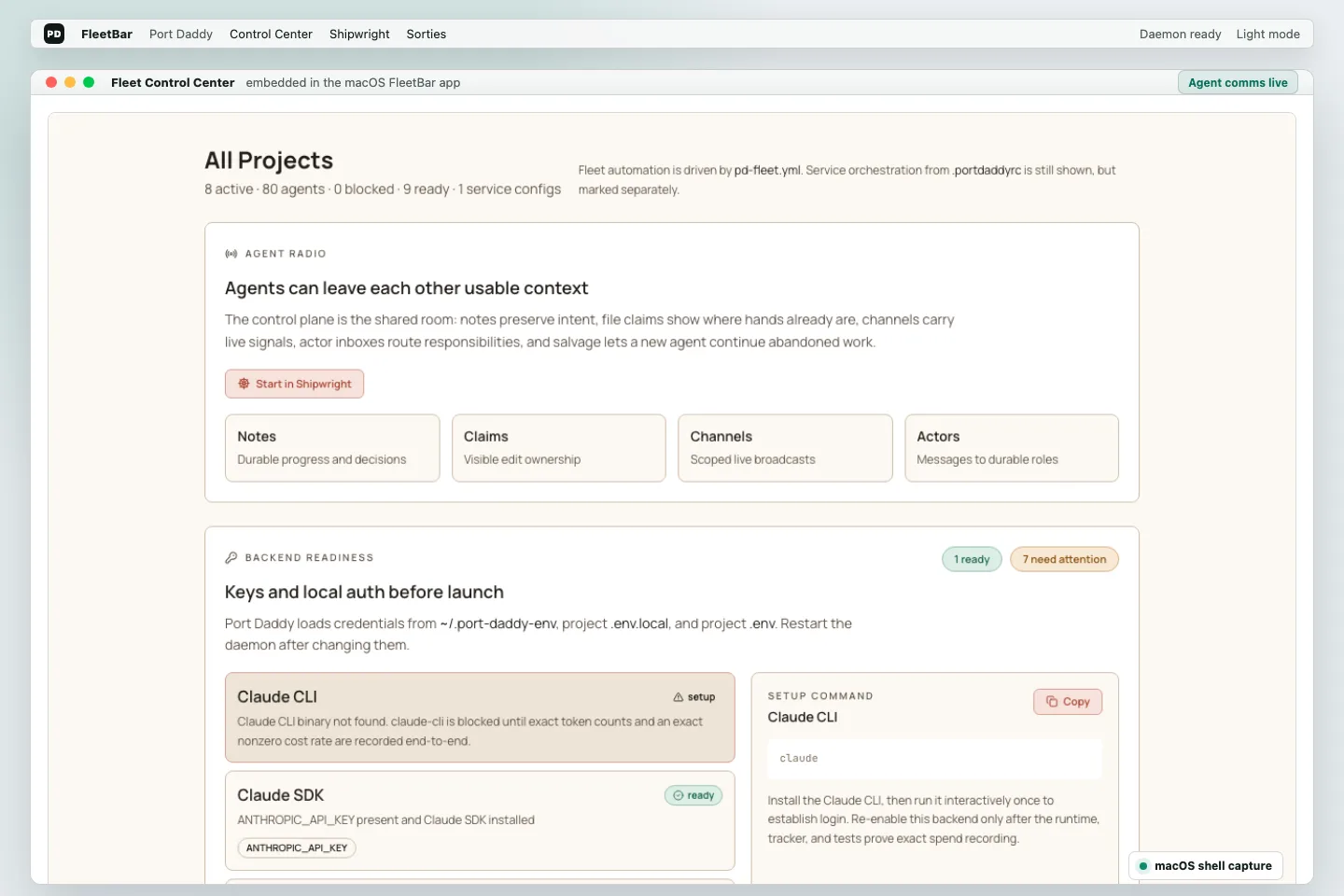
A native menu-bar app that opens the real Fleet Control Center, shows daemon health, starts and stops fleets, and keeps the selected project one click away.

What it unlocks

Open the same daemon-served console from native chrome or the browser.
Open full card
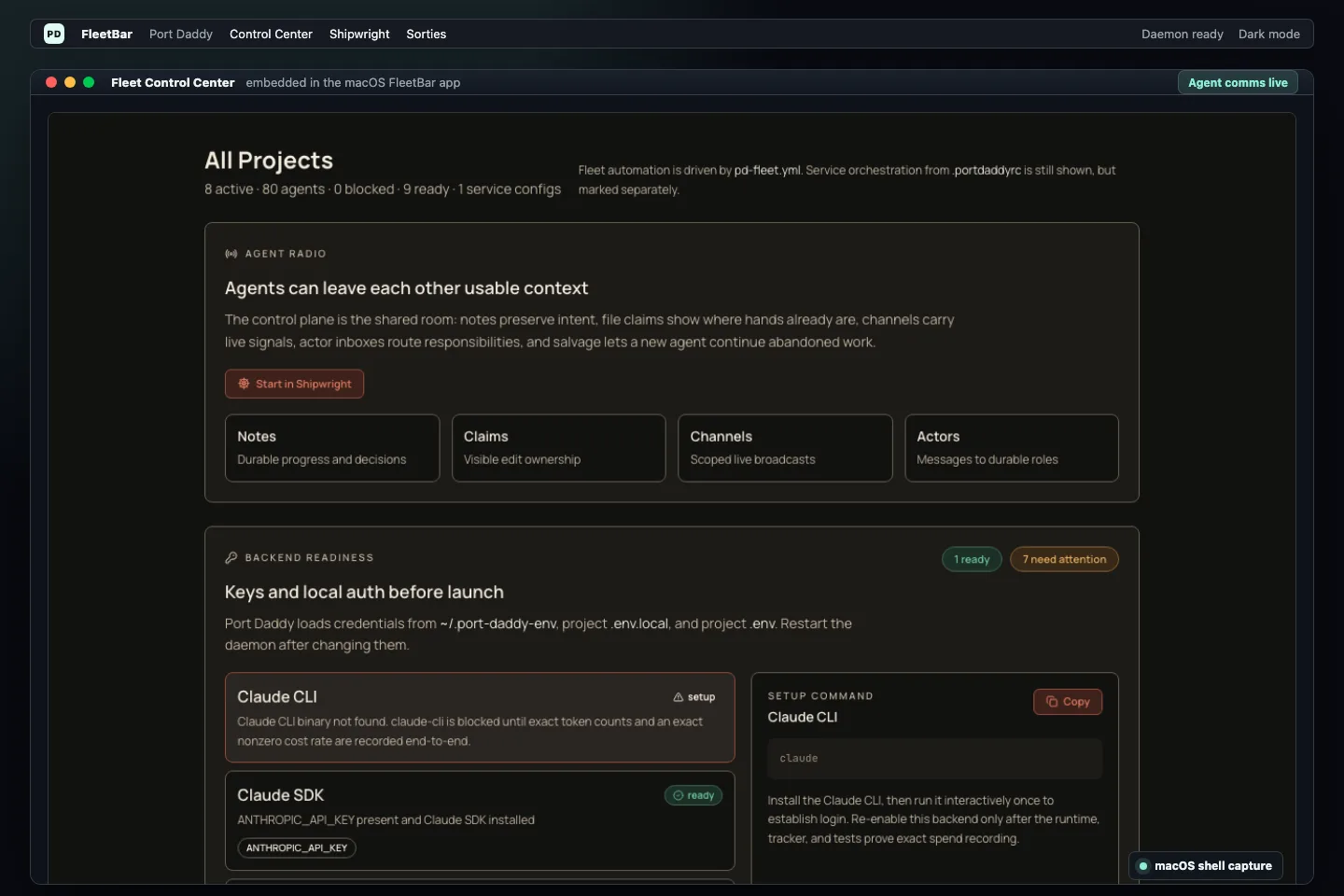
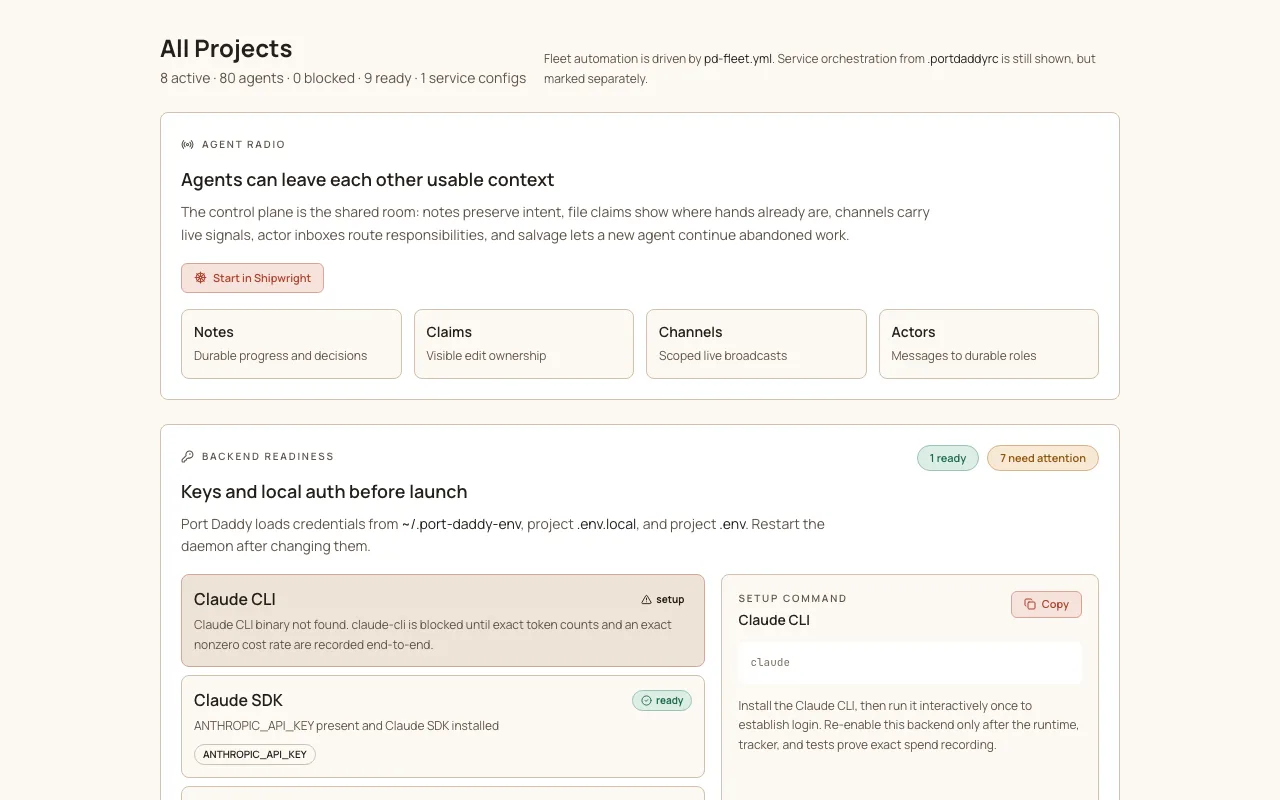
FleetBar macOS shell showing the embedded Fleet Control Center
02control-planenew

Fleet Control Center

The console for Flow, Roadmap, Agents, Resources, Activity, Channels, Inbox, Spawned Runs, Memory, Shipwright, and YAML. It is served by the daemon and embedded by FleetBar.

What it unlocks

Inspect the current project without guessing which branch, daemon, or browser tab is authoritative.

Open full card
Fleet Control Center flow view showing agent coordination
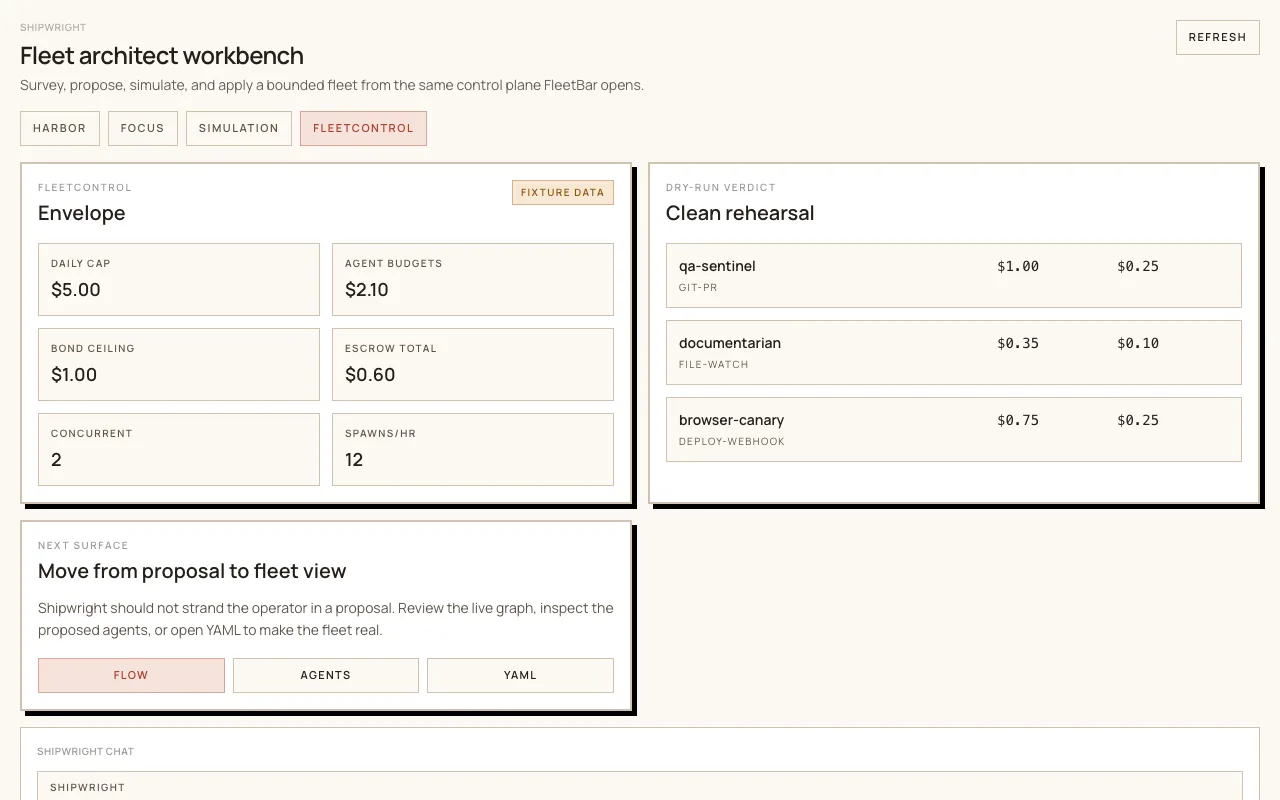
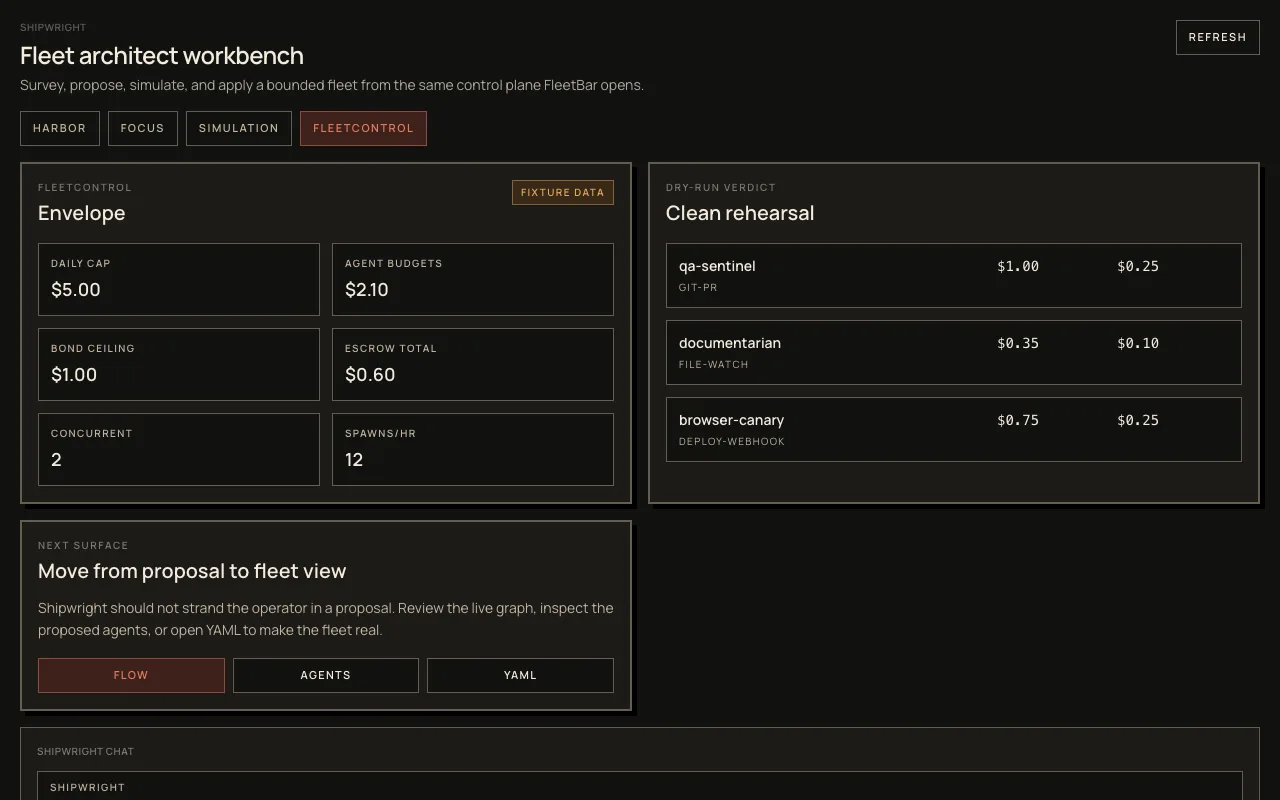
Shipwright control view proposing a project fleet
03agentspreview

Shipwright cold start

Survey a repo, propose a starter fleet, simulate budget and bond exposure, then move into Flow, Agents, and YAML without leaving the app.

What it unlocks

Understand what Port Daddy thinks the repo needs before launching background work.

Open full card
Spawned runs view showing delegated agent work
04agentsnew

Spawned runs

Launch tracked delegated work with a durable id, backend/model, budget ceiling, transcripts, and result state you can inspect later.

What it unlocks

Launch delegated work without losing the run id, model, budget, or result trail.

Open full card
Resources view with daemon, memory, and fleet pressure indicators
05resourcesnew

Resource controls

Inspect memory, disk, Port Daddy process cost, local model pressure, renderer load, fleet activity, daily spend, and the suggested concurrency envelope.

What it unlocks

See whether the machine is healthy enough for more agents.

Open full card
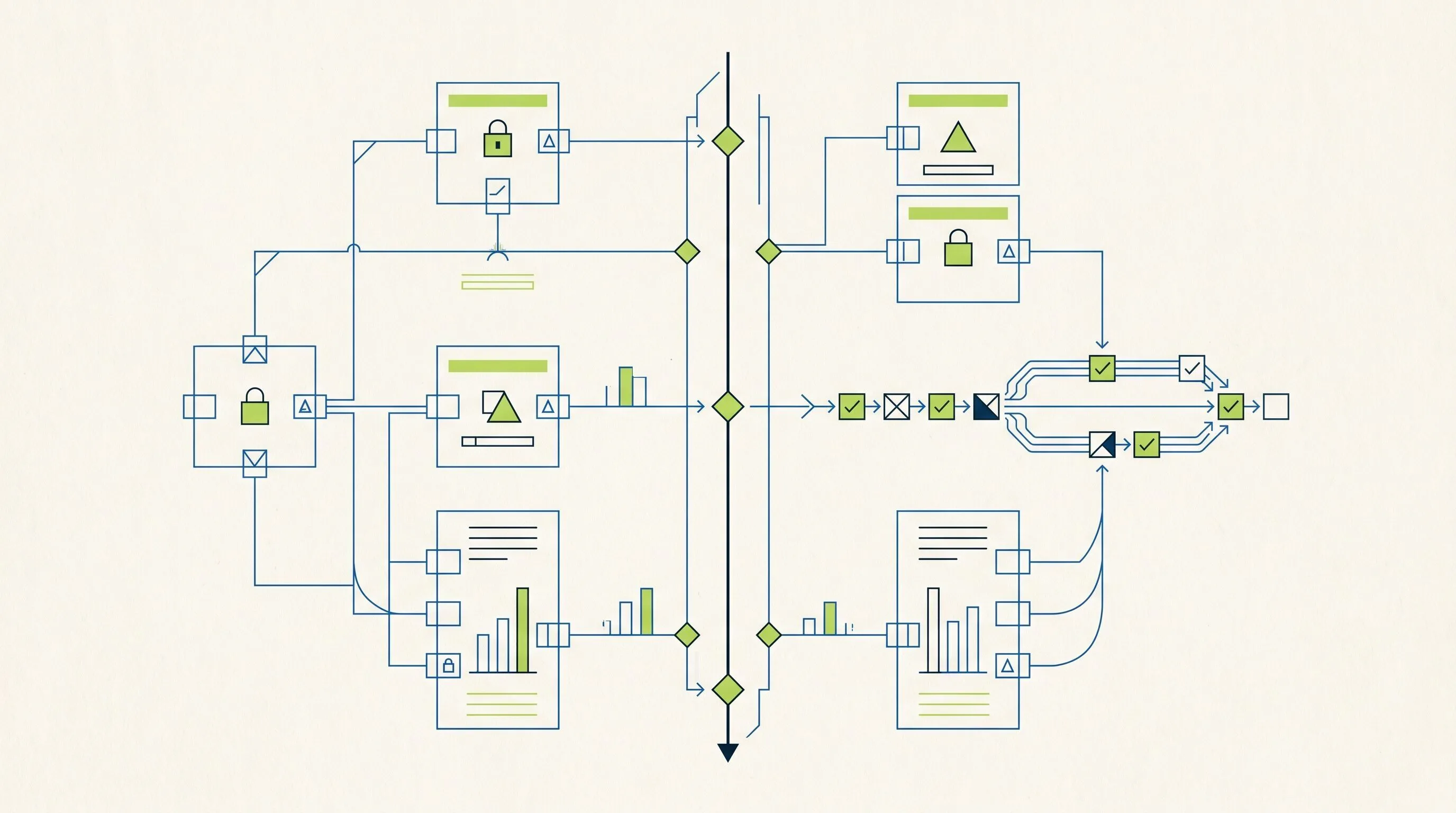
Generated control-plane diagram with readiness and routing lanes
06observabilitynew

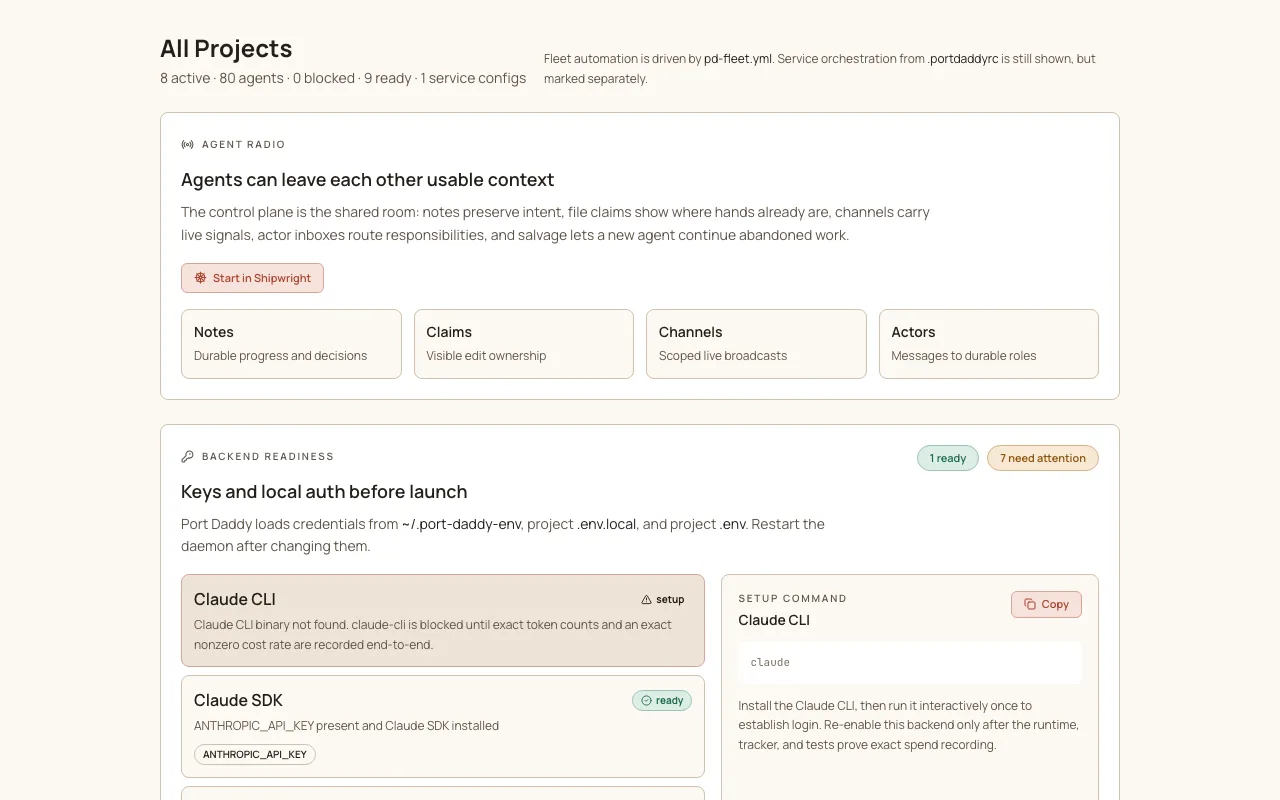
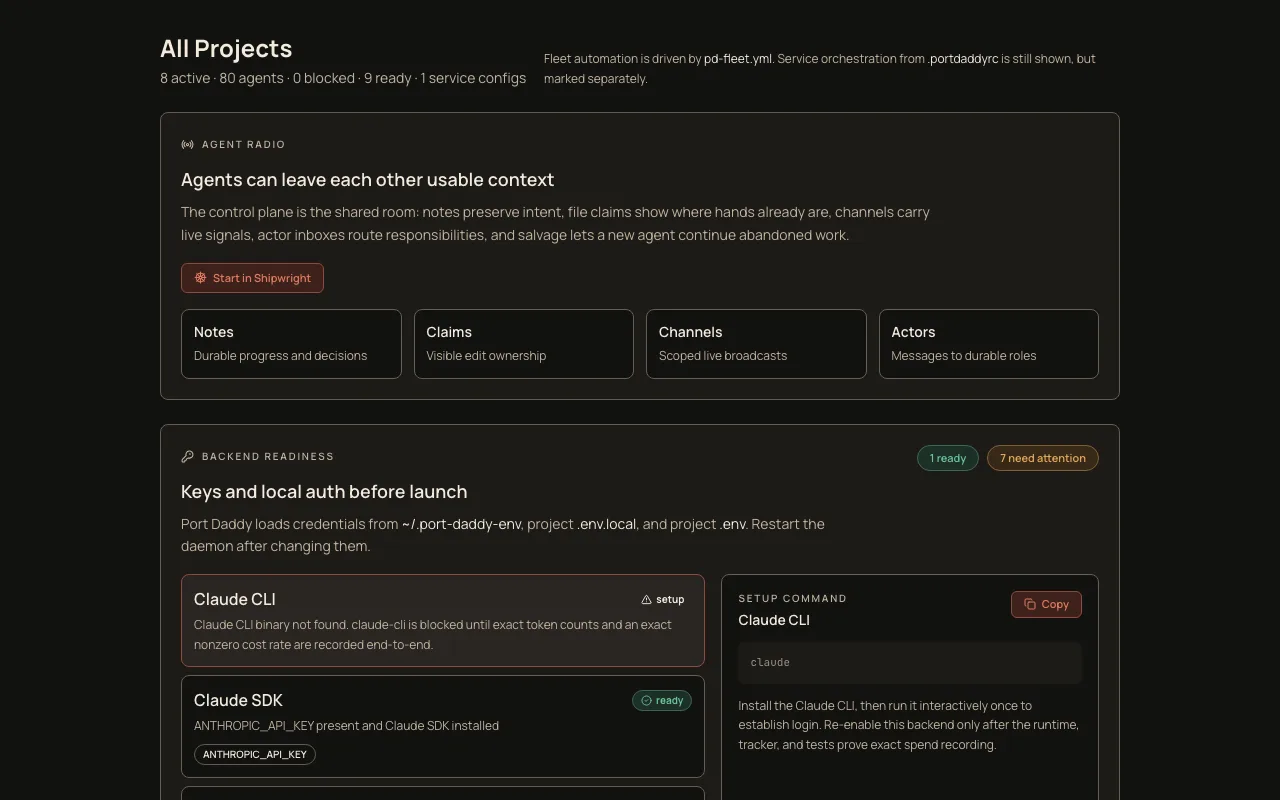
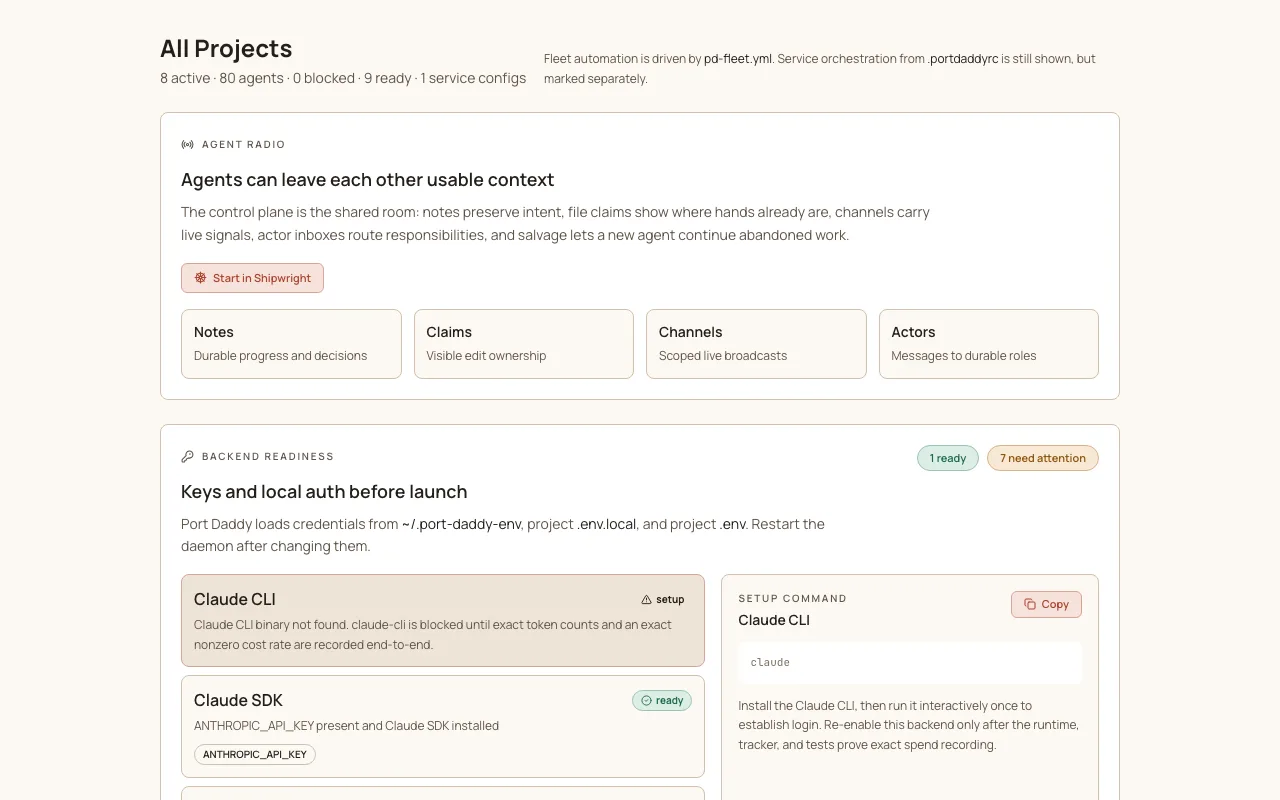
Backend readiness

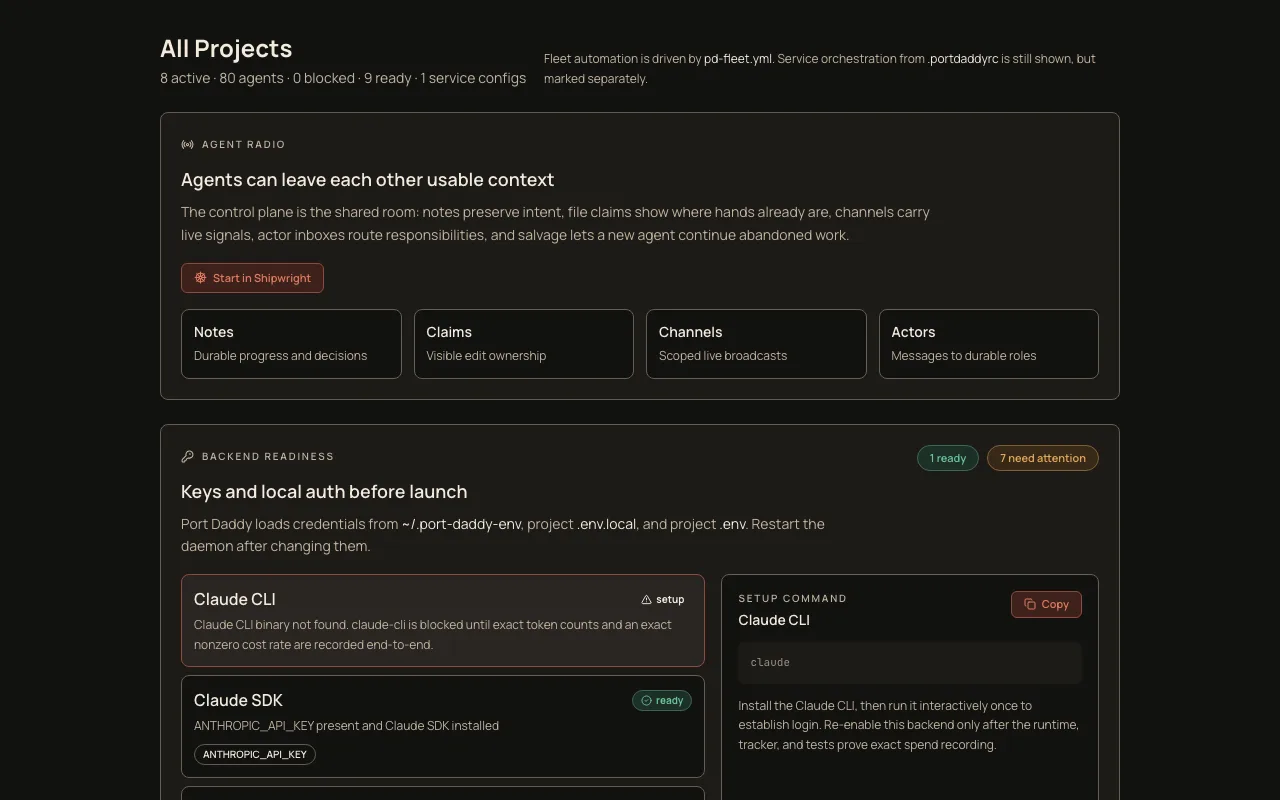
Readiness tells you which backends need API keys, CLI login, model access, dependency installation, telemetry parity, or manual confirmation.

What it unlocks

Know which backends are launchable and which are only configured on paper.

Open full card
Generated map of agents exchanging claims, notes, and handoffs
07coordinationcore

Agent communication

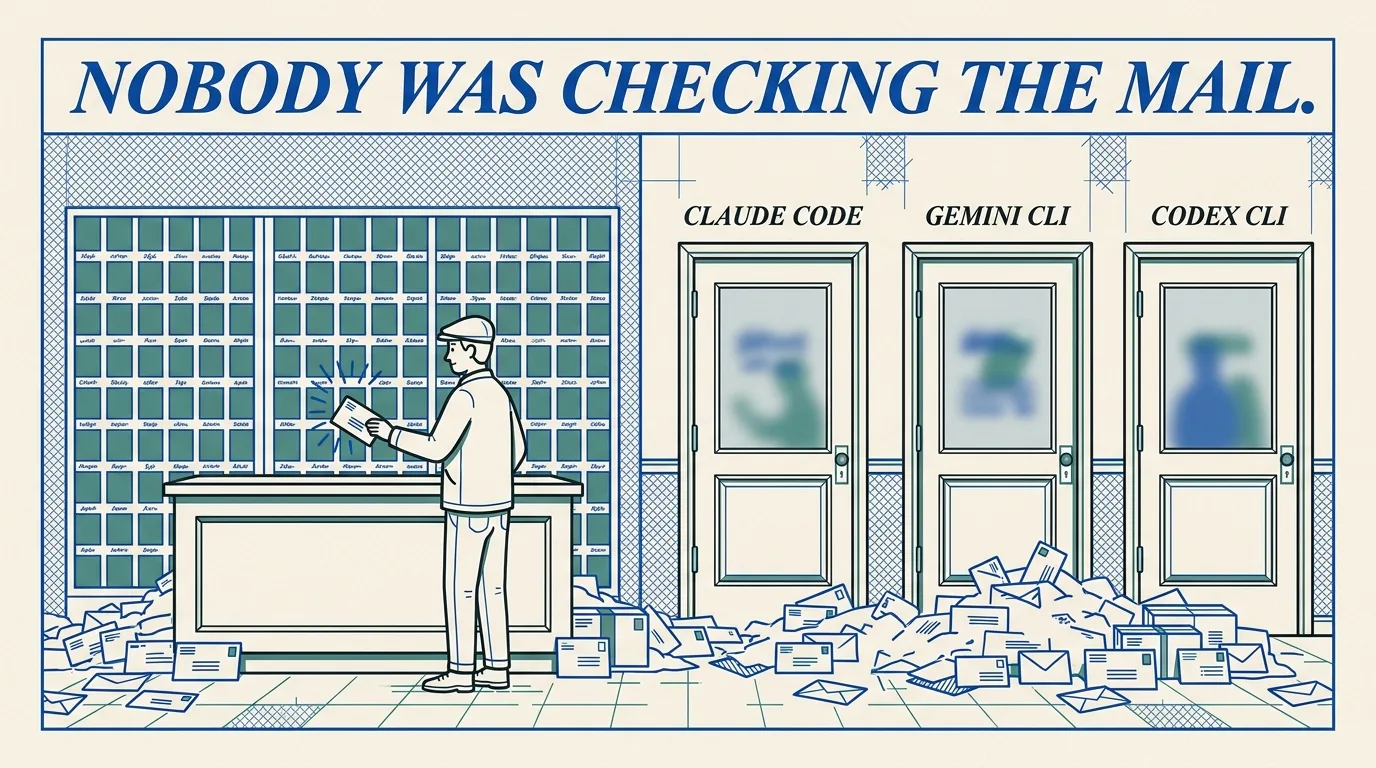
Notes, scoped channels, actor inboxes, claims, tuples, and salvage records give agents durable ways to talk without sharing one chat window.

What it unlocks

Give agents a shared memory trail that survives process exits and branch drift.

Open full card
Generated coordination guard diagram showing claims and locks
08coordinationcore

Enforced coordination

Sessions, notes, file claims, locks, tuples, inboxes, activity, salvage, and Coordination Guard make repo work attributable before code reaches a commit.

What it unlocks

Prevent invisible overlap by making claims and sessions visible.

Open full card
Generated guard rails around coordinated file claims
09coordinationnew

Coordination Guard

Install a local pre-commit guard that checks staged files against the current session and active claims, then blocks uncoordinated commits when enforcement is on.

What it unlocks

Catch unclaimed staged files before they enter history.

Open full card
Generated agent runtime map with channel-backed handoffs
10coordinationnew

PD Tube

A conversational pipe over Port Daddy channels. Listen, send, reply, resume from cursors, and bridge agent handoffs through block-once prose or JSON output.

What it unlocks

Send durable agent handoffs without inventing a new hosted webhook bridge.

Open full card
Generated control-plane diagram showing verified relay identity
11securitypreview

Relay PKI

OIDC-first relay identity with admin-approved local Web-of-Trust fallback. The relay routes ciphertext while daemon fingerprints stay auditable.

What it unlocks

Keep managed relay identity fail-closed instead of accepting self-attested fingerprints.

Open full card
Swiss-modern security architecture diagram for scoped agent authority and signed access
12securitynew

Harbors and signed access

Named work boundaries, note encryption, Ed25519 harbor-card verification, and proof-backed security work sit underneath the local daemon.

What it unlocks

Give risky agent work a scoped permission boundary.

Open full card
Generated salvage ledger showing recoverable agent context
13observabilitycore

Session salvage

When an agent crashes, its session notes, file claims, and work context survive. A new agent can claim the abandoned work and continue.

What it unlocks

Recover abandoned context instead of asking the human to reconstruct it.

Open full card
Install Port Daddy

Install it, then run your fleet from FleetBar.

Port Daddy is open source and free. You run it from the Mac app: pick a project, start a to plan a fleet of agents, launch one-off , set spending limits, and hand work between agents. Agents stay in the terminal. You should not have to read command output to know what is going on.

For you

Open FleetBar first

Pick a project, check that the background service is running, and see which agents are working and what they have claimed.

For your agents

Let agents write to the shared workspace

Agents use the terminal to start sessions, leave notes, claim files, and hand work to each other. That is where they live.

Before you commit

Check the work first

The guard fails closed at the commit: it blocks any commit whose staged files are not claimed by an active session. The commit is the one hard gate — file claims before it are advisory.

What you see in FleetBar
FleetBar macOS shell showing the Fleet Control Center

FleetBar shows whether the background service is running, which project you are on, the agents at work, what they have claimed, and where spending stands. Install it, then this is what you get.

brew install curiositech/tap/port-daddy
pd setup
Openthe Fleet Control Center
Seeagents and their claimed files
Blockcommits that skip a claim
01

The Single-Writer Kernel

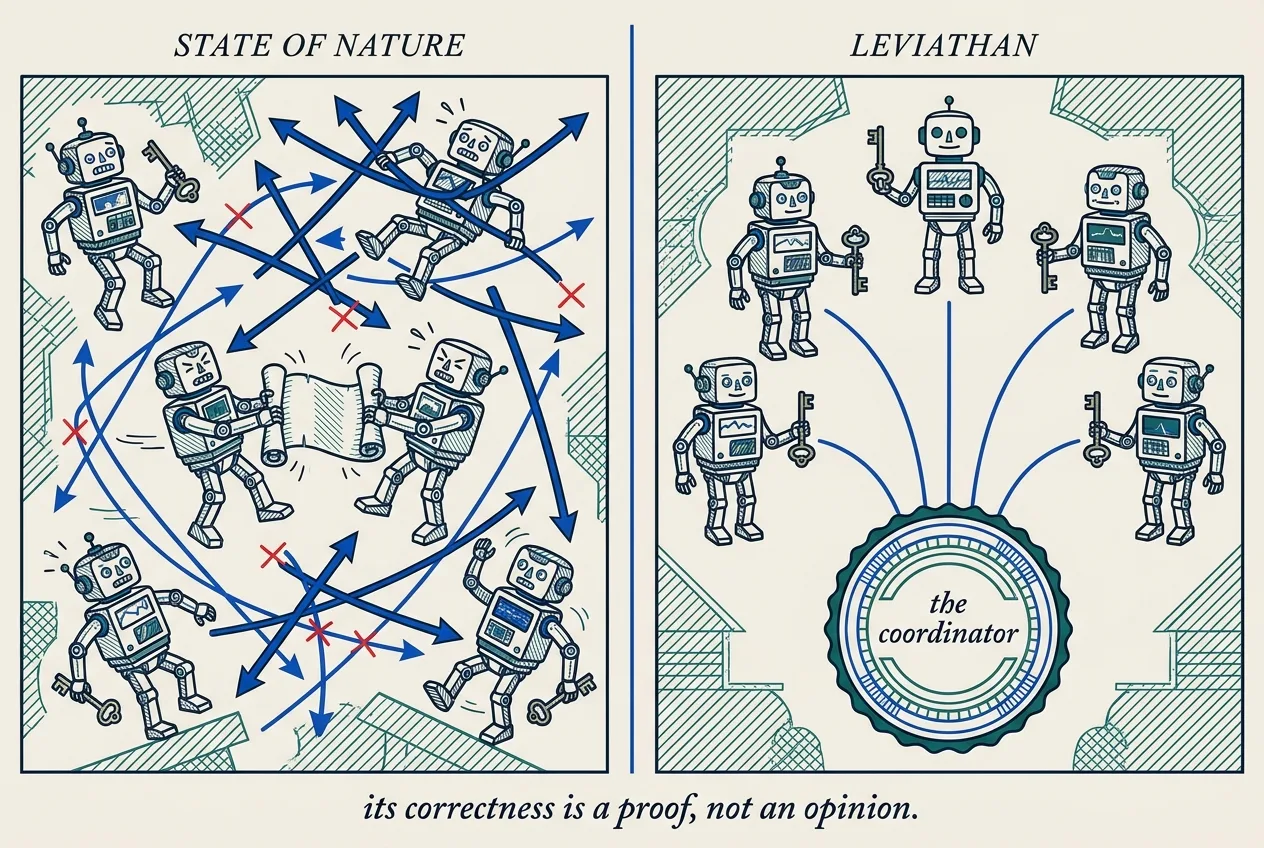
A swarm sharing one machine collides over the same scarce things: ports, files, locks, and the record of who did what. The instinct, trained on a decade of distributed-systems literature, is to reach for consensus. We make the opposite move: collapse the whole problem onto a single writer over a single local SQLite database in write-ahead-log mode, and let the operating system’s file lock serialize every mutation. There is one decider, so there is no agreement to reach. The kernel is a single-writer transactional reference monitor in the sense of Anderson and Lampson — and it is honest about exactly where its promises stop.

02

The Anchor Protocol

When you spawn a script, that script often inherits far more authority than its task needs. This paper specifies signed identity and capability cards, attenuation checks, revocation data structures, and the verifier boundary that consumes them. ProVerif checks symbolic correspondence and attenuation properties of the phase models; Kani checks bounded source properties; conformance tests cover the deployed bridge. Those layers are complementary evidence, not a proof of arbitrary-depth delegation, complete runtime interception, or hardware-level constant time.

03

The Sealed Harbor

A data owner and a model owner who will share neither data nor model can still obtain one attributable, policy-bound joint computation. Token-level taint through a generative model is not soundly definable, so the security boundary cannot be the token; it has to be the declassification gate. This chapter builds that clean room — dual-attested key release, two fences, whole-worker taint, two gates — and prices what still gets through as an information-theoretic budget of q times b bits across q jobs, before timing channels, which stay out of model.

Read all 8 in the Harbor Library